

The InsightGig desktop app is where you open study files and send research requests. The Console is a website where you manage your InsightGig account, credits, and usage.
This guide connects the two. Start in the desktop app, confirm the connection in your browser, then return to the app. The connection is called InsightGig Nexus.
Before you begin
You need an InsightGig account and the Windows desktop app. Follow Create your account and Install InsightGig if you need either one.
If you already use the app, go to Home > Settings > Nexus to check the connection. If you see Connected to InsightGig Nexus, you can send your first request.
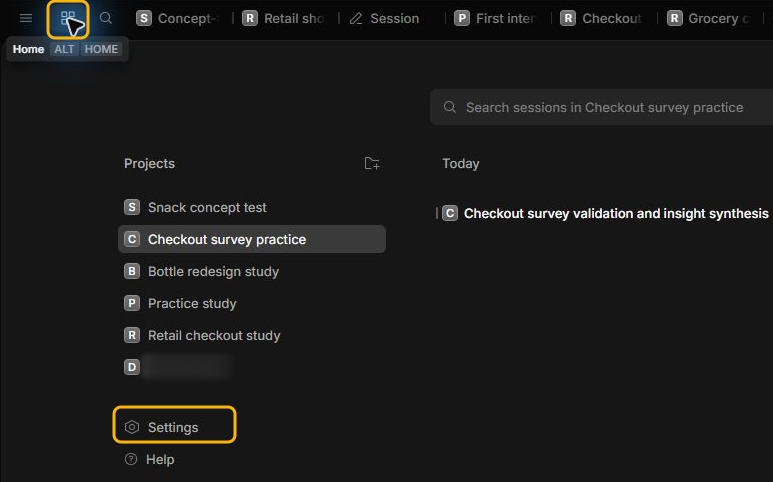
Start sign-in in the desktop app
-
Open InsightGig from the Windows Start menu. On Home, find the Connect InsightGig Nexus setup card. Under Sign in to InsightGig, select Continue in the browser.

-
Leave InsightGig open while the browser opens. The app shows a Device code, a short code for this sign-in request.
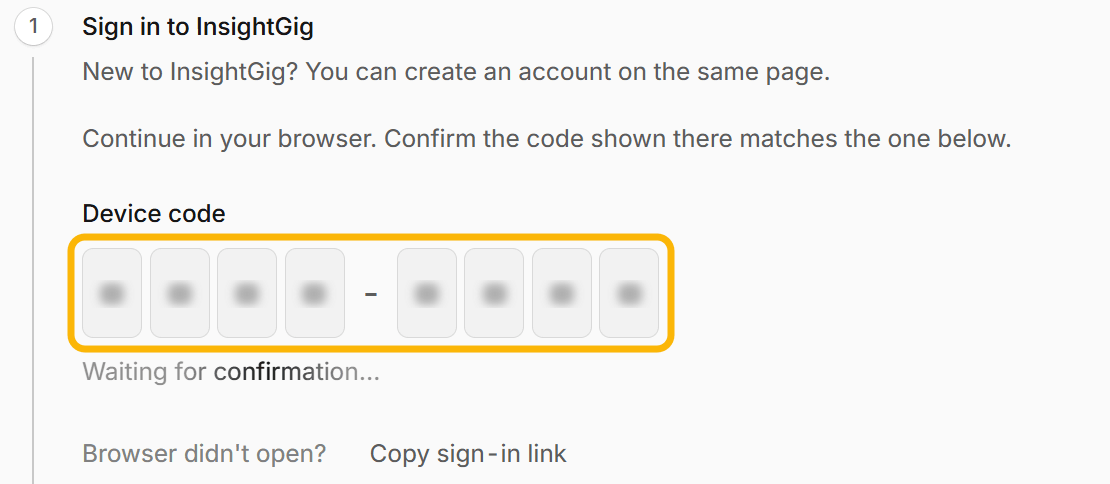
If the browser does not open, select Copy sign-in link in InsightGig. Paste the link into your browser’s address bar and press Enter.
Confirm the connection in your browser
-
Sign in with the account you use for InsightGig if the browser asks. If your organisation invited you, use the email address that received the invitation.
-
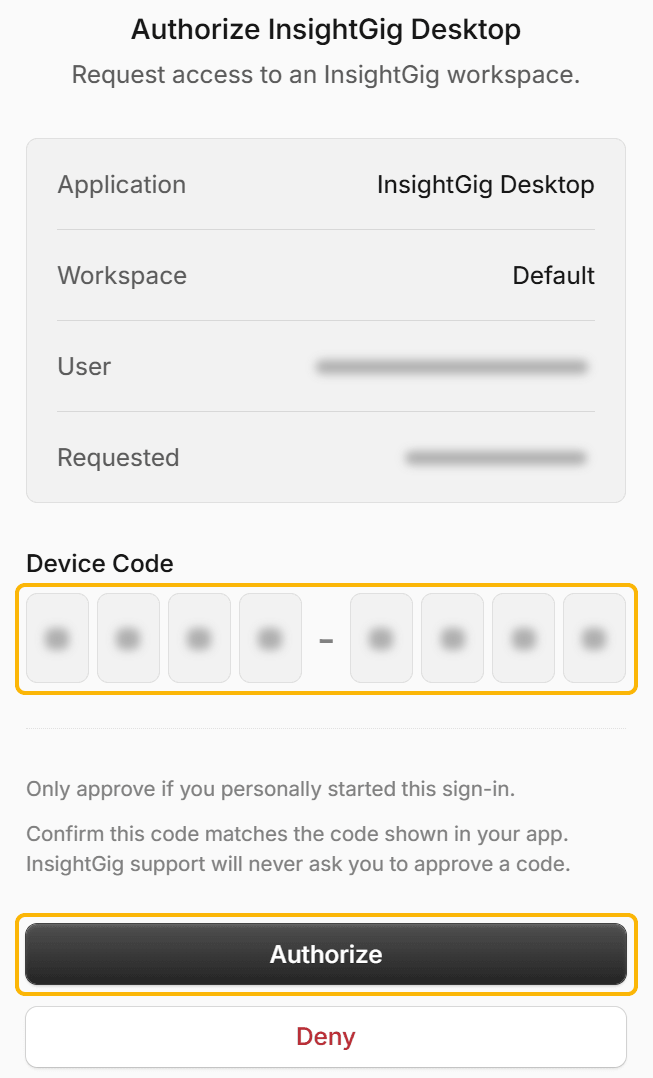
On Authorize InsightGig Desktop, check the account and workspace. A workspace is where people share access and credits.
-
Compare Device Code in the browser with the code shown when you started sign-in in the desktop app. Select Authorize when the codes match.
Check your connection
Return to the desktop app. If the browser offers to reopen InsightGig, you can use that prompt to return.
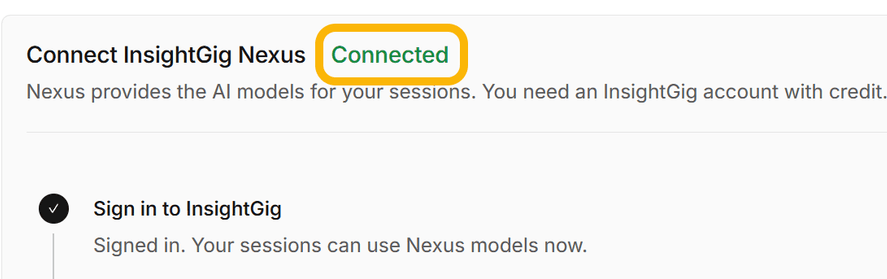
Look for Connected on the Connect InsightGig Nexus card. A check mark beside Sign in to InsightGig also confirms that the connection is ready.
If your request expires, go back to the app and start sign-in again. Compare the new device code before you authorize.
To check or change the connection later, follow Manage Nexus settings.
Next steps
Follow Send your first request to open a practice project and analyze a focus group. You can check the findings and prototype recommendations against the transcript.