

Reopen a saved session when you want to continue the same research task. For example, return to the interview questions for a retail study after a colleague reviews them.
To practise searching within a project, complete Start a session through the interview questions request. It saves a conversation in Retail checkout study when you send the request.
To practise searching across projects, also complete Send your first request. That exercise saves a focus-group conversation in Bottle redesign study.
Find a session in one project
-
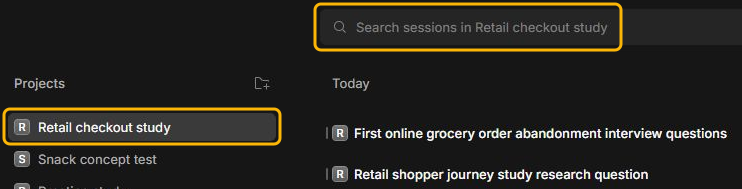
In InsightGig, go to Home and select the study under Projects. Check that the search box names the project you chose.
-
If the conversation is hard to find, type part of its title in the search box. For the checkout exercise, try
interview.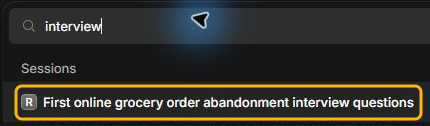
-
Select the matching title under Sessions.
Search across projects
Use this route when you remember the task but are unsure which study it belongs to. You can open this search from Home or from a conversation.
-
Select the magnifying glass labelled Search sessions in the window’s top bar.

-
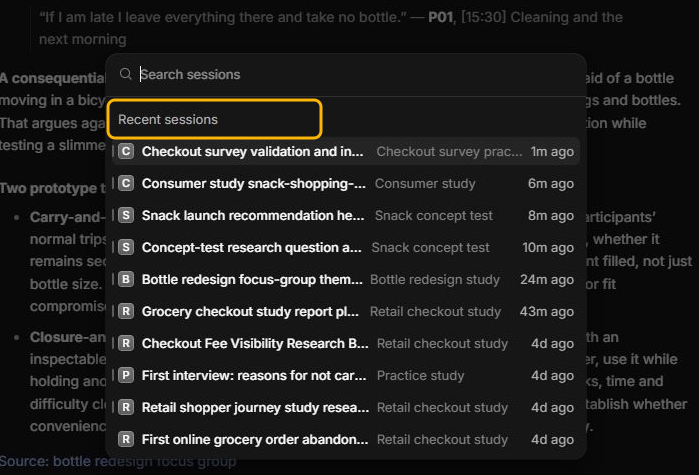
If the conversation appears under Recent sessions, select it. The project name appears next to each title.
-
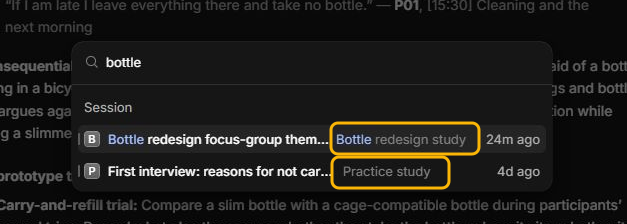
To look for an older conversation, type part of its title. Check the project name next to each match before you select it.
Titles can vary for the same request. Search for a word you remember from your session title. If there is no match, go to Home and look in the project where you sent the request.
Check the reopened conversation
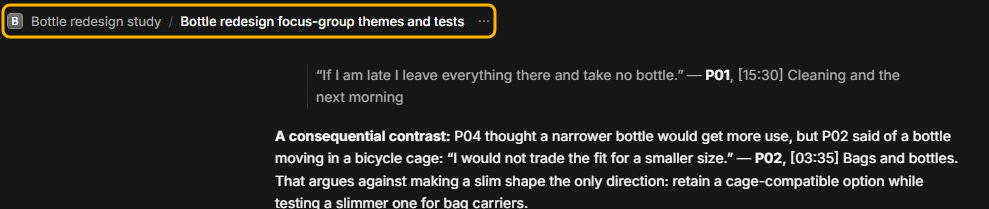
Check the project name and open the original request to confirm the conversation. Look for the request about bottle use in Bottle redesign study or the interview questions request in Retail checkout study.
Closing a session tab leaves the saved conversation available in Home and Search sessions. See Switch between session tabs to bring back a recently closed tab.
If you cannot find the session
- Try a shorter word from the session title, such as
interview. - Check the project name in Home. Use Search sessions from the top bar if you are unsure which study holds the conversation.
- If you archived the conversation, open Archived in Inbox. See Rename, archive or export a session.
- If you want to find a source or output by filename, follow Find and preview project files.
Next steps
Add a follow-up to continue the same task. To work on a different task with the same study files, follow Start a session.