

An InsightGig project connects a study folder to your work in the desktop app. A session is a saved conversation in that project.
A project connects to your study files
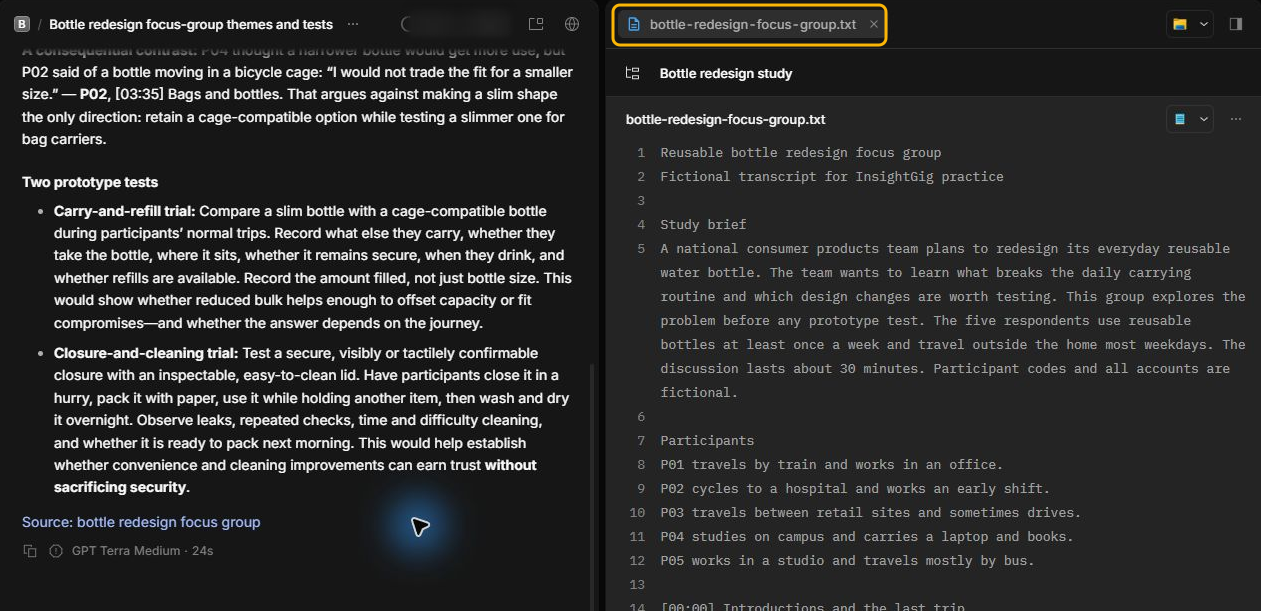
Use one project for a study. A consumer products team planning a bottle redesign can keep its discussion guide, interview transcripts, and findings in one folder.
The files panel shows the contents of the connected folder. In this example, Bottle redesign study contains bottle-redesign-focus-group.txt. To open the same file, use the download in Send your first request.
A session holds one conversation
Use the same session for follow-up questions that build on an answer. Start a separate session when you want a fresh conversation about another task in the same study.
For example, use one session to identify barriers to daily bottle use. Use another to draft a prototype trial. Both sessions can work with the files in Bottle redesign study.
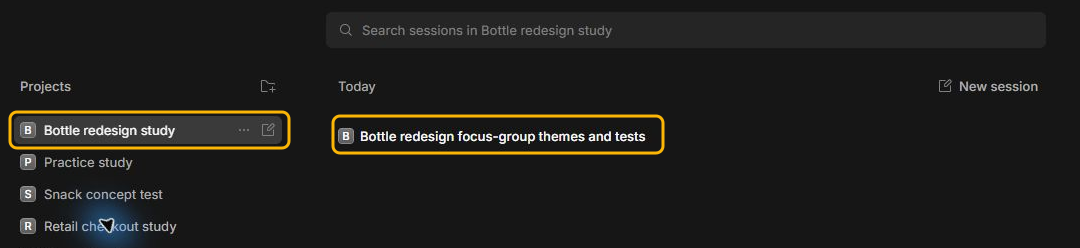
In Home, selecting a project shows its saved sessions. Open a session to see your earlier messages and continue the conversation.
A workspace manages access and credits
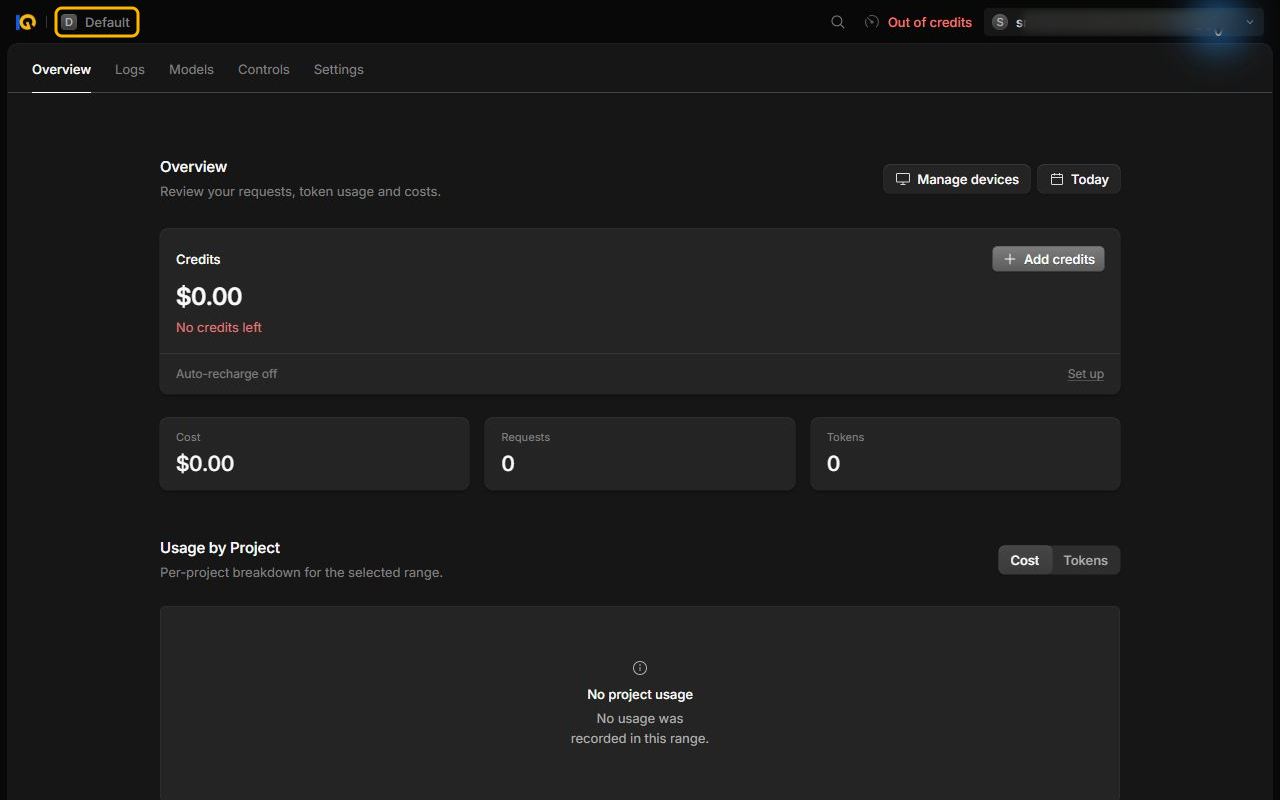
The Console is the website where you manage your InsightGig account. A workspace in the Console brings together access to InsightGig and the credits used for requests. If you work with a team, its members can share a workspace.
In this example, the workspace in the Console is Default. The study folder and sessions appear under Bottle redesign study in the desktop app.
Related resources
- Add and switch projects to connect another study folder or return to an earlier project.
- Send your first request for a practice folder and your first conversation.
- Create your account to learn where to check your workspace name and credits.