

Use the support form in the desktop app when a problem persists after you check Fix common problems.
Open a support request
-
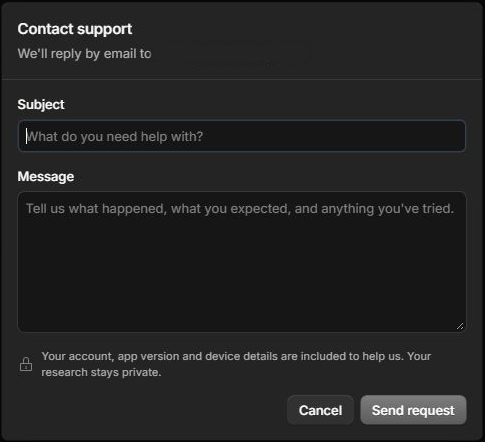
In InsightGig, go to Home and select Help. The Contact support form opens.
-
Enter a short Subject and describe the issue in Message. Include what happened, what you expected, and what you already tried.
-
Check your message and select Send request when ready. Watch the email address shown in the form for a reply.
Describe the issue
Use the exact error message and the name of the control you used. Say whether it happened in the desktop app or Console.
For a problem with a research file, describe the file type and the action you tried. Share a fictional example if it reproduces the issue.
Related resources
- Contact InsightGig by email if you cannot open the support form.