

Use Plan when you want to agree on the sources, method, or output before Research starts. This example revises interview questions for a fictional national grocery retailer studying abandoned online orders.
To follow along, send the practice request using study-brief.txt from the retail checkout project. Keep that conversation open so Plan can review the interview questions you received.
Send a planning request
-
In the conversation with the interview questions, select Plan from the mode menu in the request box.
-
Name the source files, research goal, and output. Ask Plan to raise any open decisions and wait for your approval before producing the output.
Read study-brief.txt and propose a plan to revise our retail interview questions.
Help us learn where shoppers stopped during checkout and what influenced their decision.
Ask me about open decisions. Wait for approval before drafting the questions.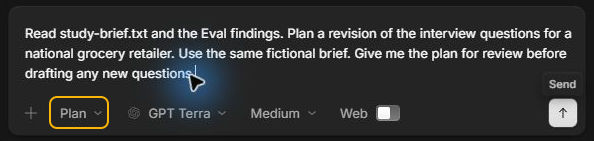
-
Select the send arrow. If a question card appears, choose an answer or select Type your own answer. Select Next when there is another question, then Submit when your answers are ready.
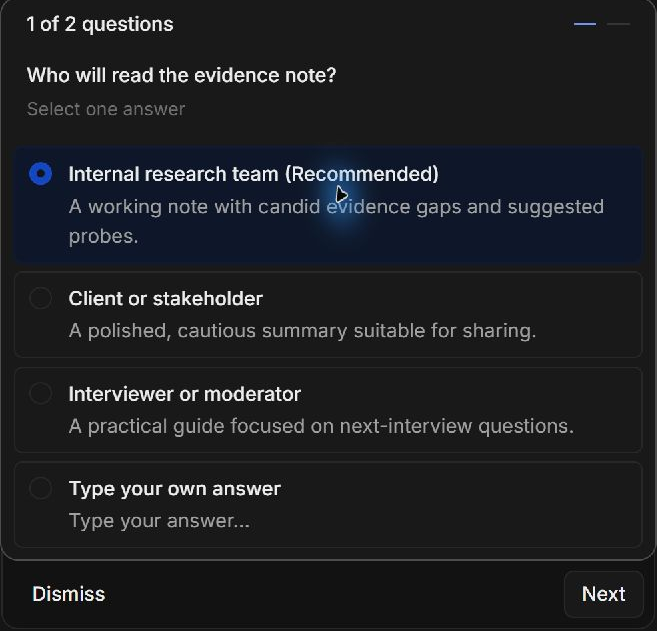
Plan may ask different questions or have enough detail to draft a plan. If it asks in a reply, answer in the conversation. Keep the task in Plan while you decide what Research should do.
Review and revise the plan
-
Select the plan link in the reply. It opens
PLAN.md, the written instructions for carrying out the task.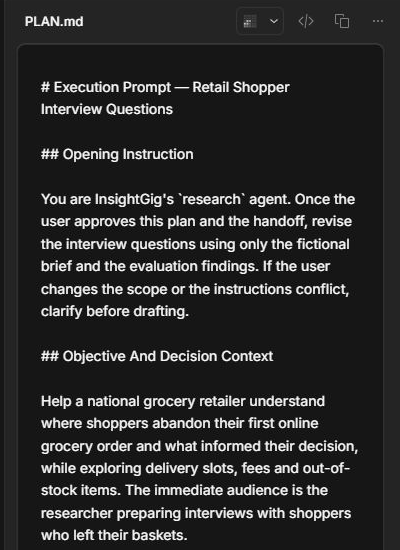
-
Check the source files, audience, method, and expected result. If the task will save a file, check the planned filename and folder.
-
Ask for specific changes if the scope needs adjusting. Open the latest plan link and confirm the changes before approving it.
For this study, the plan focuses on where shoppers stopped, what influenced their decision, and how to avoid leading questions.
Approve and run the plan
-
When you are ready, stay in the same conversation. Select Research in the mode menu and send an explicit approval that names the plan.
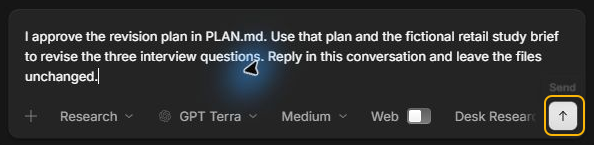
-
Follow the activity while Research works. If it asks for a decision or permission, check it against the approved plan.
-
Read the revised questions in your reply. Check that they cover the brief and ask whether shoppers encountered a problem before asking about it.
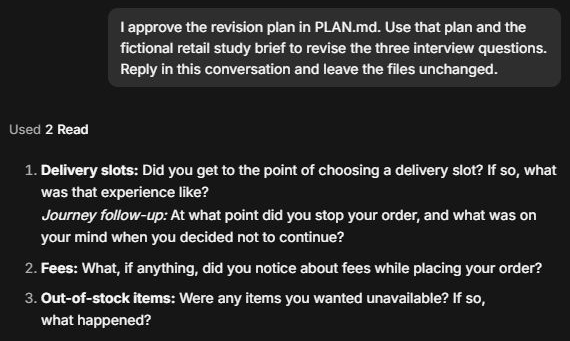
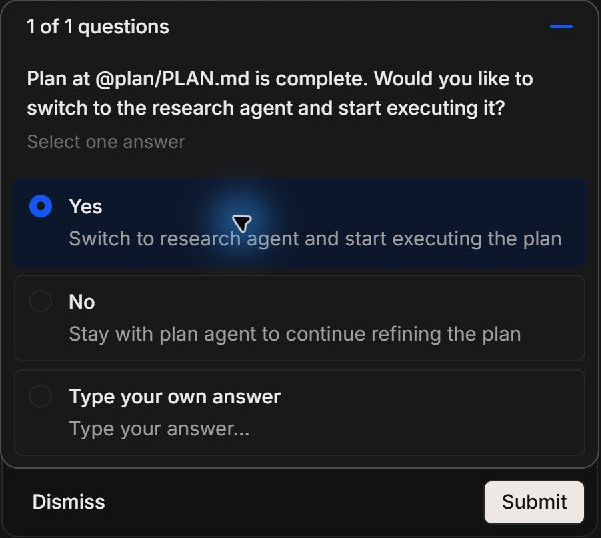
If Plan offers to switch to Research for you, review the plan first. Select Yes and Submit in the handoff card to start execution. Select No to keep refining the plan.
Check the output
If the task creates a file, select its link in the reply. Confirm that the name and location match the approved plan and open it to review the contents.
Use Review requests for approval when an action needs your decision. For a separate review of your output, use Eval as shown in Choose an agent mode.